Visual editing, improved integration with Next.js, and more
Published: May 4, 2023
Installation and upgrading
Initiate a new Sanity Studio without installing the CLI globally:
npm create sanity@latest
To upgrade Sanity Studio, update its dependency:
npm install sanity@latest
✨ Highlights
Visual Editing
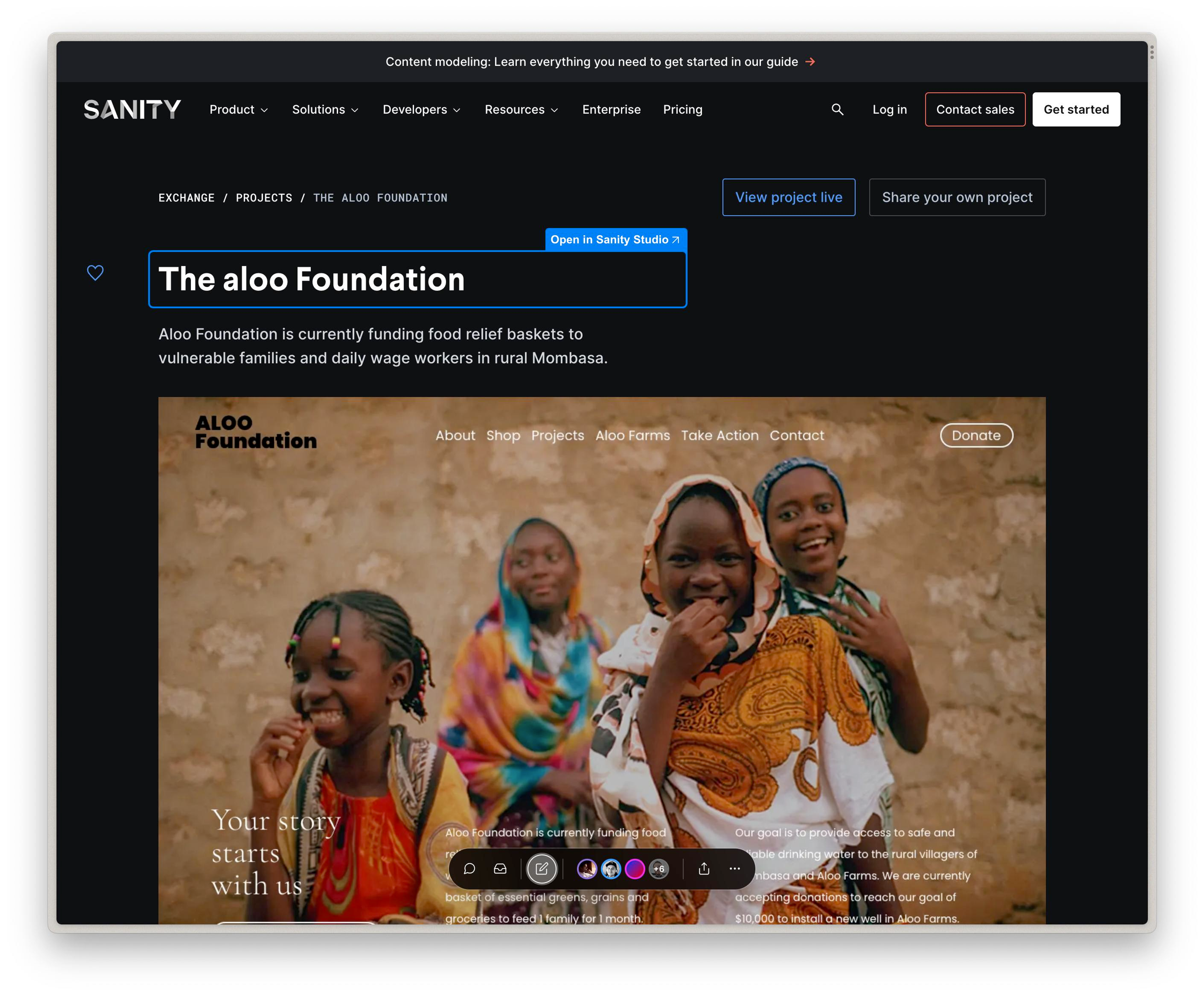
This release includes support for Visual Editing and Content Source Maps. This feature enables you to make deep edit links from components in a front end that takes you to respective fields in the Studio. This enables a new workflow that substantially reduces the time it takes to make changes by bringing you directly to the relevant field where you can make edits reliably in its appropriate context. For more information on Visual Editing, check out the documentation here.
Quickly add Sanity Studio to Next.js
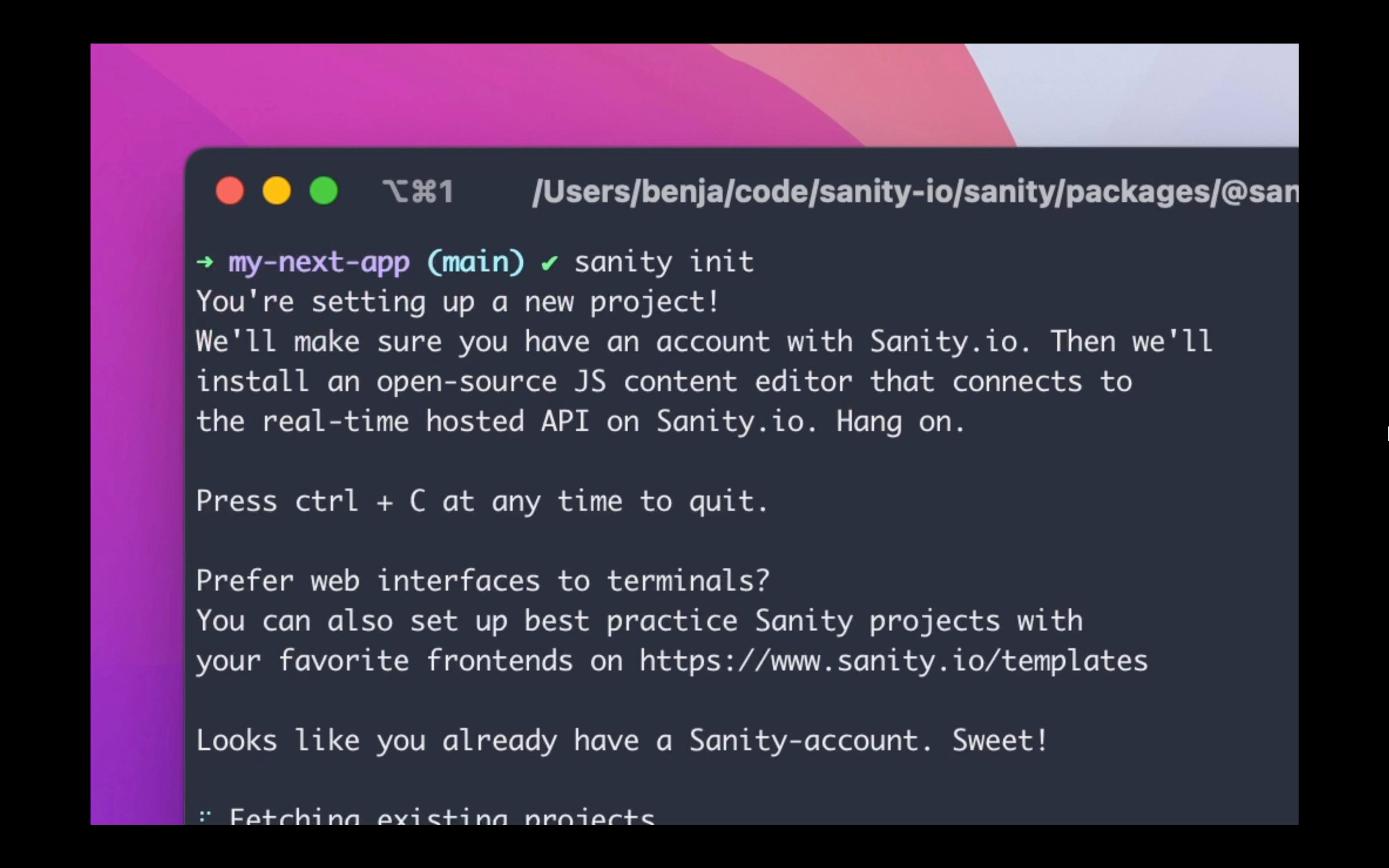
The sanity init command now recognizes if you are in a Next.js project, and will ask:
- What Sanity project you want to use (use existing or create new)
- Whether you want to place an embedded Studio using pages or app routes
- Whether you want to use TypeScript for your Studio
- What template you want to use (clean or blog)
- Whether you want to append the project ID and dataset to your .env file (you can also specify a custom env file with the --env flag)
If you have a Next.js project and want to quickly deploy an embedded Sanity Studio, you can run npx sanity init within your application's directory to get started.
Minimum version when using pnpm required: 8.x
Additional notable features
- Enables fully unattended
studio initwith CLI whenprojectId,datasetand--yflags are set sanity initwill now determine default package manager choice based on currently running package manager
🐛 Notable bugfixes
- Updates the Shopify Studio template with various fixes
- Fixes an issue that caused field group buttons to steal focus when deep linking into a Studio value
- Fixes an issue causing focus to be set on wrong element when deep linking to a field inside an array
- Fixes an issue so deep linking to a field/input expands the right fieldsets/collapsed objects along the way
- Fixes an issue where validation errors would not focus on collapsed fieldset
- Fixes an issue where using
pnpmto install dependencies would not install the latest available versions when creating a new project - Resolves issue where unattended mode (
--yesflag) forsanity initwould still show a confirmation prompt about running a v2-like CLI command - Fixes a bug with reference fields not receiving focus when clicking a validation error or following a link to the field
- Fixes intent links to focus on the correct location
- Fixes issue with pasting a file from clipboard into a file field that already has a value
- Fixes support for deep linking in image and file fields
- Fixes a bug that broke pasting a file into a file field when a value is already present