Set API token expiration in Manage
Published: June 12, 2026
You can now set an expiration date on API tokens in the Manage UI, for both project and organization tokens. Go to API → Tokens in your project or organization settings.
When creating a new token, choose an expiration of 30, 60, or 90 days, or set a custom date. The default remains no expiration.
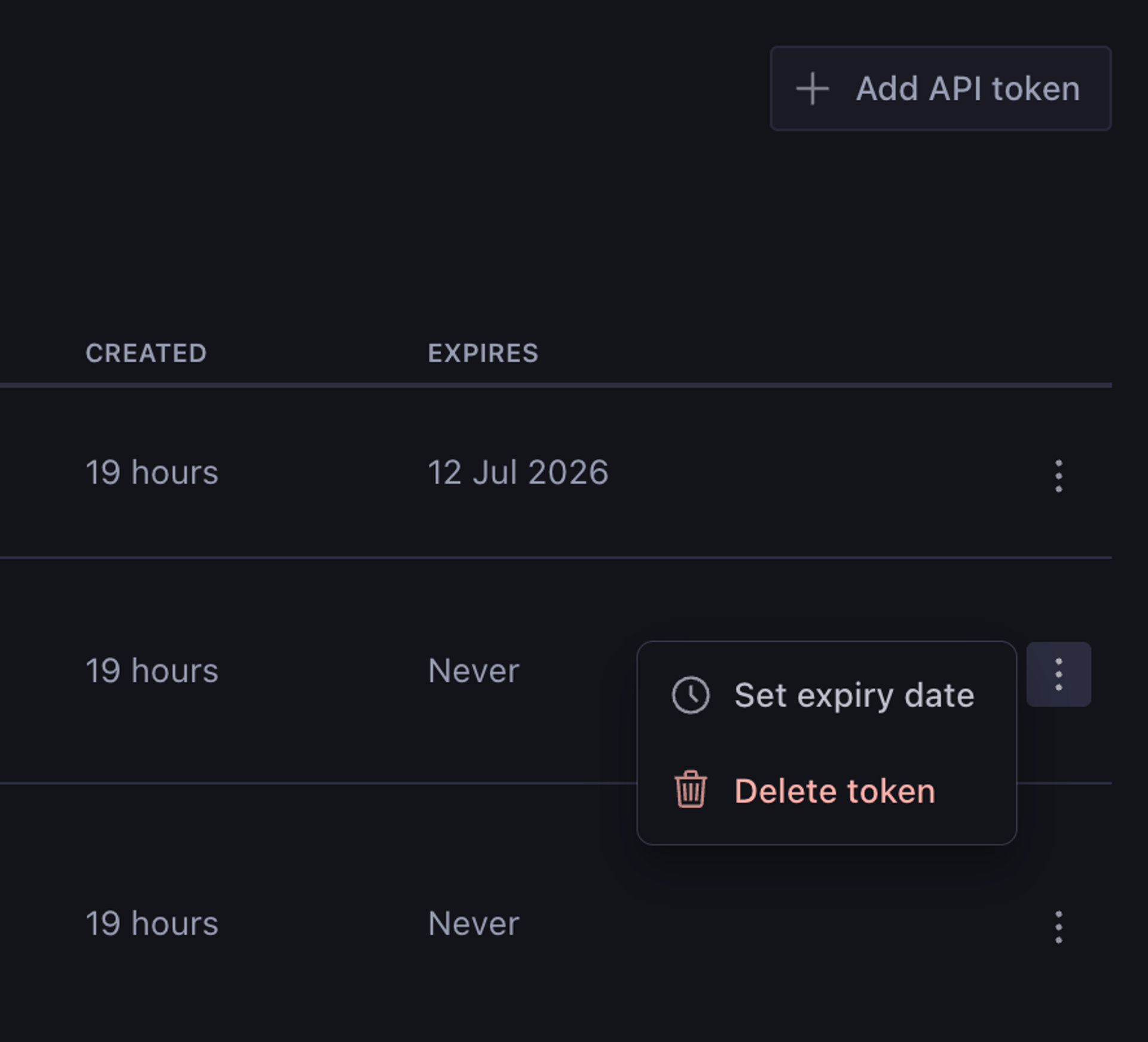
For existing tokens, open the actions menu (three-dot menu) in the token table to add or change an expiry date.
A new Expires column in the token table shows each token’s expiration date. Tokens that have already expired display an (Expired) marker.
Once you set an expiry on a token, you can move the date forward or backward, but you cannot remove it. There is no way to return a token to “never expires” after an expiry has been set. Expired tokens cannot be edited or reactivated.