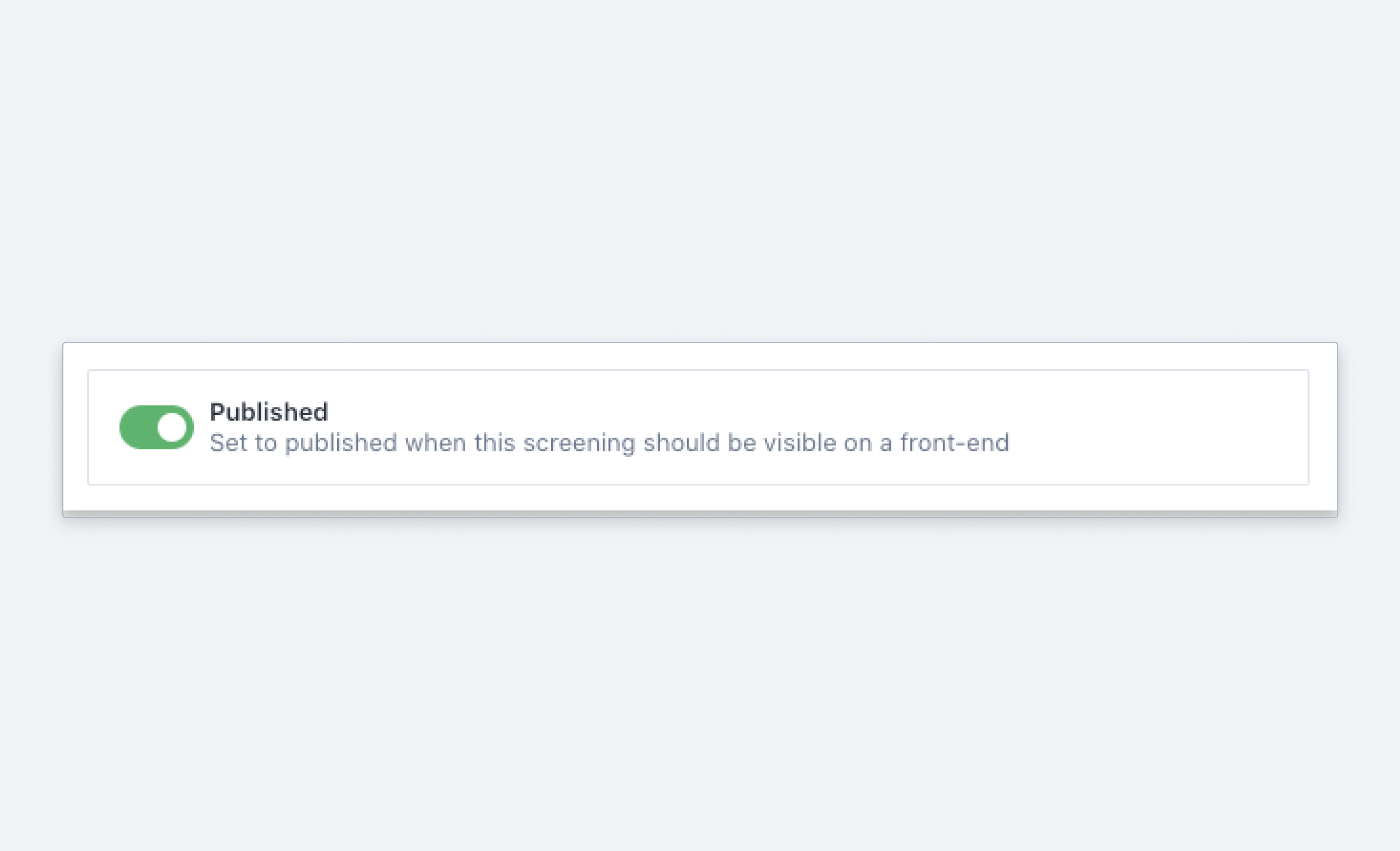
Boolean
Schema type reference for expressing truthy values.
A boolean, true or false. See the BooleanDefinition reference for the full type definition.
Properties
Requiredtype
Value must be set to
boolean.Requiredname
The field name. This becomes the key in the document.
Human-readable label for the field.
If set to
true, this field is hidden in the studio. You can also supply a callback function to make it a conditional field.If set to
true, this field is not editable in the studio. You can also supply a callback function to make it a conditional field.Short description for editors of how the field is to be used.
The initial value used when creating new values of this type. Can be a literal value, or a resolver function that returns a literal value or a promise that resolves to one.
Lets you provide custom components to override the studio defaults in various contexts. The available keys are
diff,field,input,item, andpreview.Marks a field or document type as deprecated in the studio interface and displays a user-defined message set through the single required
reasonproperty.If you deploy a GraphQL API schema, this property is translated into the
@deprecateddirective.Supply a custom icon for this field. See the icons documentation for more information.
Options
These options apply to boolean fields. See the BooleanOptions reference for the full type definition.
Either
switchorcheckbox. Defaults toswitch.Controls the visual appearance of the input. A switch reads as an on/off state; a checkbox reads as an item you tick.
Configures how Sanity Create interfaces with this field. Set
exclude: trueto leave the field out of Sanity Create, orpurposeto describe what the field holds so that content mapping can use it.Configures how Canvas interfaces with this field. Takes the same
excludeandpurposeproperties assanityCreate.
defineField({
  name: 'released',
  title: 'Has the movie been released?',
  type: 'boolean',
  options: {layout: 'checkbox'},
})
Validation
Chain these methods on the rule passed to validation. See the BooleanRule reference for the full type definition.
Ensures that this field exists.
Discards the validation rules set before it in the chain and makes the field optional. Rules chained after it still apply.
Creates a custom validation rule.
Sets a custom error message for the preceding validation rule.
Sets a custom warning message for the preceding validation rule. Warnings do not prevent publishing.
Sets a custom info message for the preceding validation rule. Info messages are purely informational and do not prevent publishing.
Gets the value of a sibling field to use in validation. Useful for creating validation rules that depend on the value of another field.
Input
import {defineField, defineType} from 'sanity'

export const movie = defineType({
  name: 'movie',
  type: 'document',
  fields: [
    defineField({
      name: 'released',
      title: 'Has the movie been released?',
      type: 'boolean',
    }),
  ],
})
Response
{
  "_type": "movie",
  "released": true,
  ...
}
New documents are created without schema-defined fields. A boolean field in your schema does not immediately produce documents containing that key: the key must be assigned a value before it appears in a document. Make sure your frontend code treats a missing boolean value as false.
Pro tip
In GROQ you can treat missing booleans and false values alike: *[_type == 'story' && featured != true] matches stories where featured is false or missing, and in fact any value that is not true.