Studio
View incoming references
The incoming references interface displays documents that reference the active document.
You can see which documents reference the open document by using the incoming references pane. Developers can also add an incoming reference decoration to a document's form.
Prerequisite: Sanity Studio v5.8.0 or later.
Open the incoming references pane
To get started, open a document in Sanity Studio.
Loading...
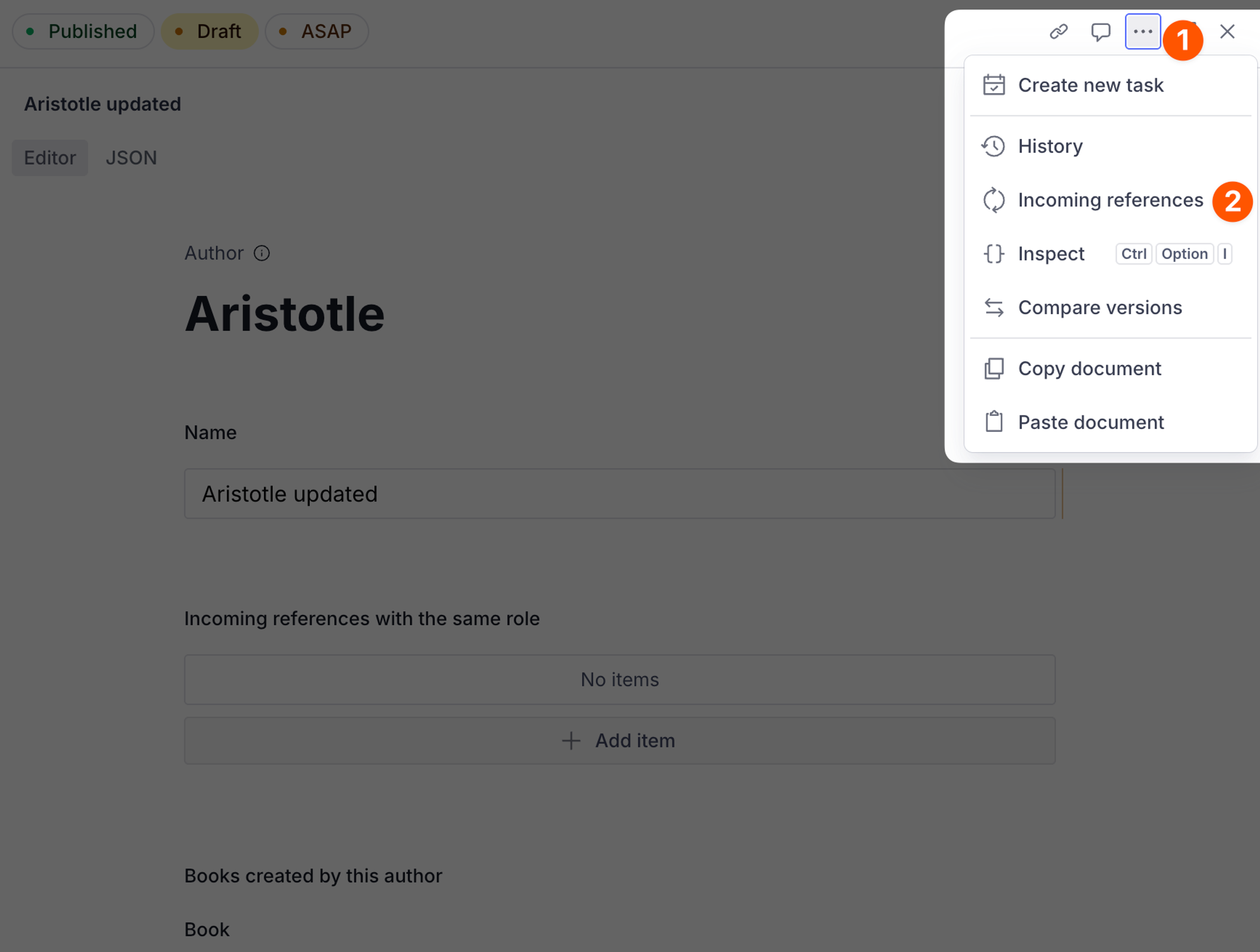
- In the document header, select the Show menu (...) button.
- Next, select Incoming references.
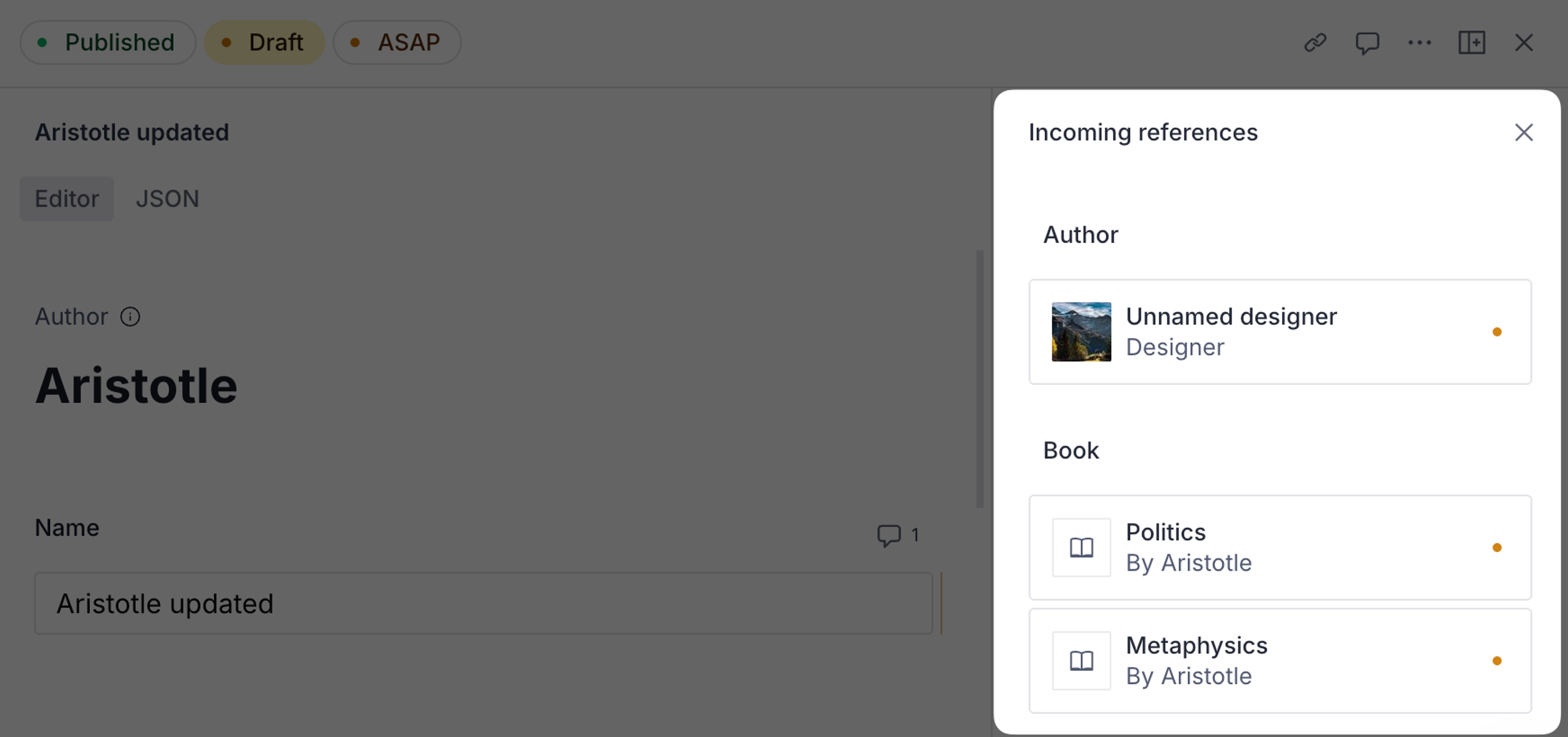
This opens the incoming references pane where you can see each referencing document, grouped by type. Select a document to open the referencing document in a new pane.
Loading...