Number
Schema type reference for the Number type.
A number. See the NumberDefinition reference for the full type definition.
Any number. For example: 900, 900.0, 9E+2, or 9.0E+2.
Properties
Requiredtype
Value must be set to
number.Requiredname
The field name. This becomes the key in the document.
Human-readable label for the field.
If set to
true, this field is hidden in the studio. You can also supply a callback function to make it a conditional field.If set to
true, this field is not editable in the studio. You can also supply a callback function to make it a conditional field.Short description for editors of how the field is to be used.
The initial value used when creating new values of this type. Can be a literal value, or a resolver function that returns a literal value or a promise that resolves to one.
Lets you provide custom components to override the studio defaults in various contexts. The available keys are
diff,field,input,item, andpreview.Marks a field or document type as deprecated in the studio interface and displays a user-defined message set through the single required
reasonproperty.If you deploy a GraphQL API schema, this property is translated into the
@deprecateddirective.Supply a custom icon for this field. See the icons documentation for more information.
Placeholder text shown in the input when it has no value.
Options
These options apply to number fields. See the NumberOptions reference for the full type definition.
A list of predefined values the editor can pick from. The array can hold plain numbers, as in
[1, 2], or titled objects, as in[{title: 'One', value: 1}].Controls how the items defined in the
listoption are presented. If set to'radio'the list will render radio buttons. If set to'dropdown'you'll get a dropdown menu instead. Default isdropdown.Controls how radio buttons are lined up. Use
direction: 'horizontal|vertical'to render radio buttons in a row or a column. Default isvertical. Will only take effect if thelayoutoption is set toradio.Configures how Sanity Create interfaces with this field. Set
exclude: trueto leave the field out of Sanity Create, orpurposeto describe what the field holds so that content mapping can use it.Configures how Canvas interfaces with this field. Takes the same
excludeandpurposeproperties assanityCreate.
defineField({
  name: 'rating',
  type: 'number',
  options: {
    list: [
      {title: 'Poor', value: 1},
      {title: 'Fair', value: 2},
      {title: 'Good', value: 3},
    ],
    layout: 'radio',
    direction: 'horizontal',
  },
})
Validation
Chain these methods on the rule passed to validation. See the NumberRule reference for the full type definition.
Ensures that this field exists.
Discards the validation rules set before it in the chain and makes the field optional. Rules chained after it still apply.
Minimum value (inclusive).
Maximum value (inclusive).
Value must be less than the given limit.
Value must be greater than the given limit.
Value must be an integer (no decimals).
Specifies the maximum number of decimal places allowed.
Requires the number to be positive (>= 0).
Requires the number to be negative (< 0).
Create a custom validation.
Sets a custom error message for the preceding validation rule.
Sets a custom warning message for the preceding validation rule. Warnings do not prevent publishing.
Sets a custom info message for the preceding validation rule. Info messages are purely informational and do not prevent publishing.
Gets the value of a sibling field to use in validation. Useful for creating validation rules that depend on the value of another field.
Input
import {defineField, defineType} from 'sanity'

export const movie = defineType({
  name: 'movie',
  type: 'document',
  fields: [
    defineField({
      name: 'popularity',
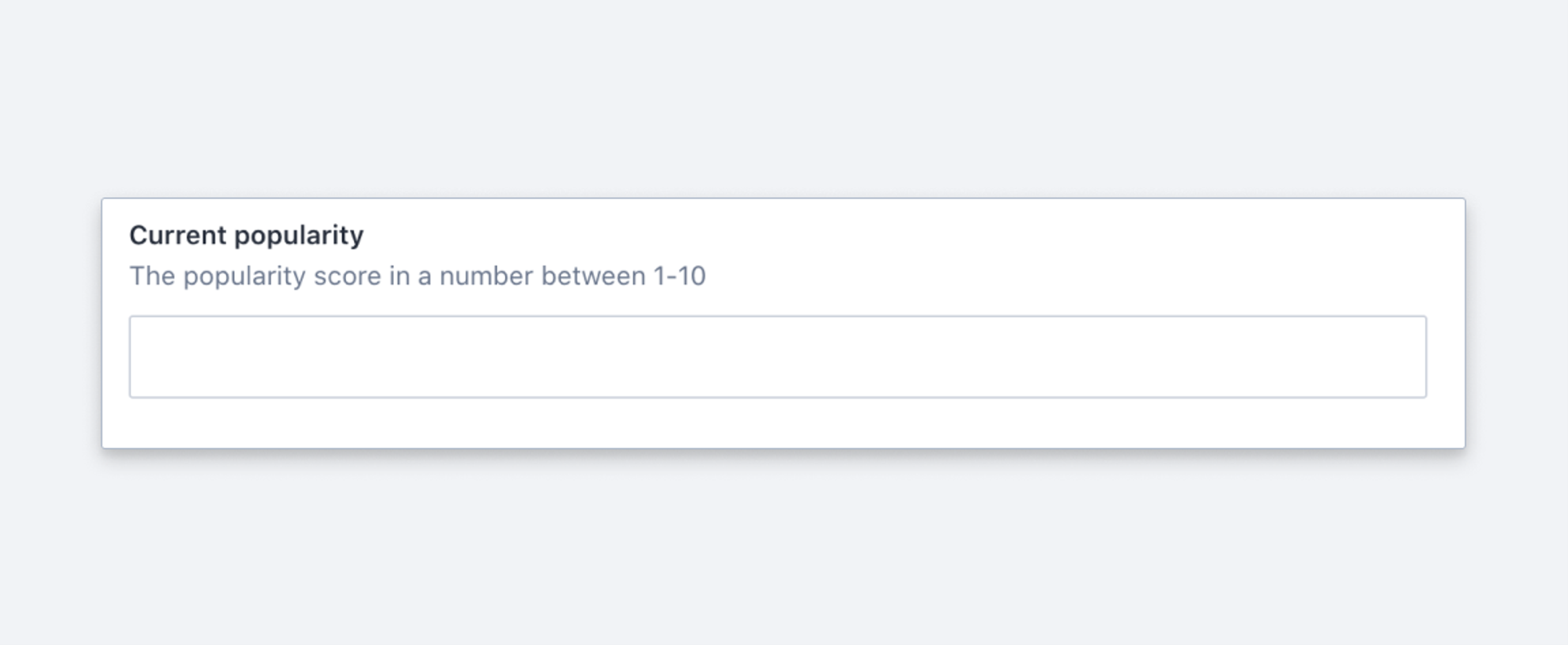
      title: 'Current popularity',
      type: 'number',
      validation: (rule) => rule.min(0).max(100).precision(1),
    }),
  ],
})
Response
{
  "_type": "movie",
  "popularity": 12.5,
  ...
}
Gotcha
Don't use number to store a phone number. Use string instead, so that leading zeros, country codes, and separators survive.