Studio
Manage Studio notifications
Manage your Sanity Studio notifications from the user account settings page.
You can enable or disable email notifications for your account from the Sanity Dashboard, or from sanity.io/manage.
Comment notifications are account-wide for a user, and apply to all organizations and studios. Notifications for other users are unaffected.
Loading...
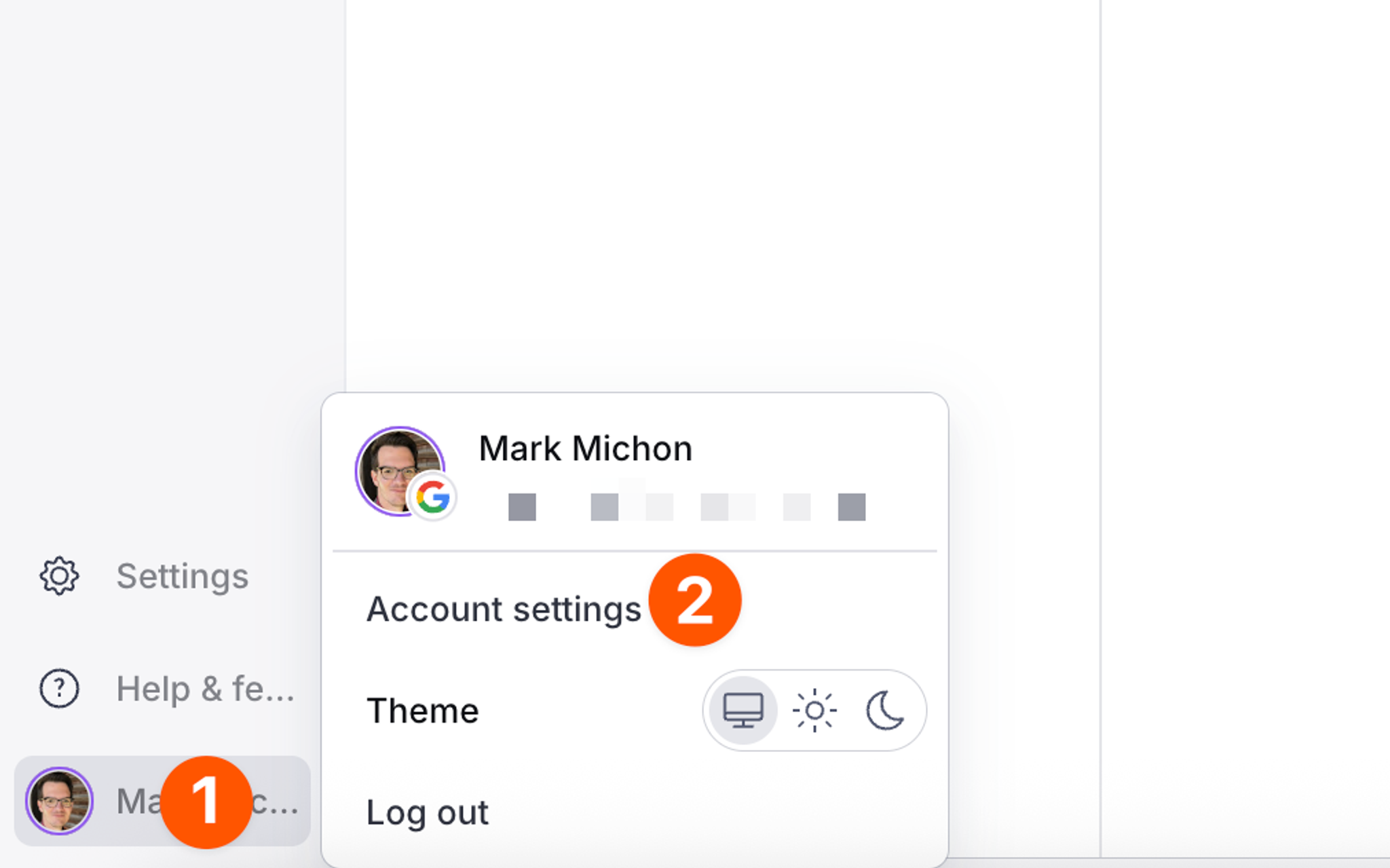
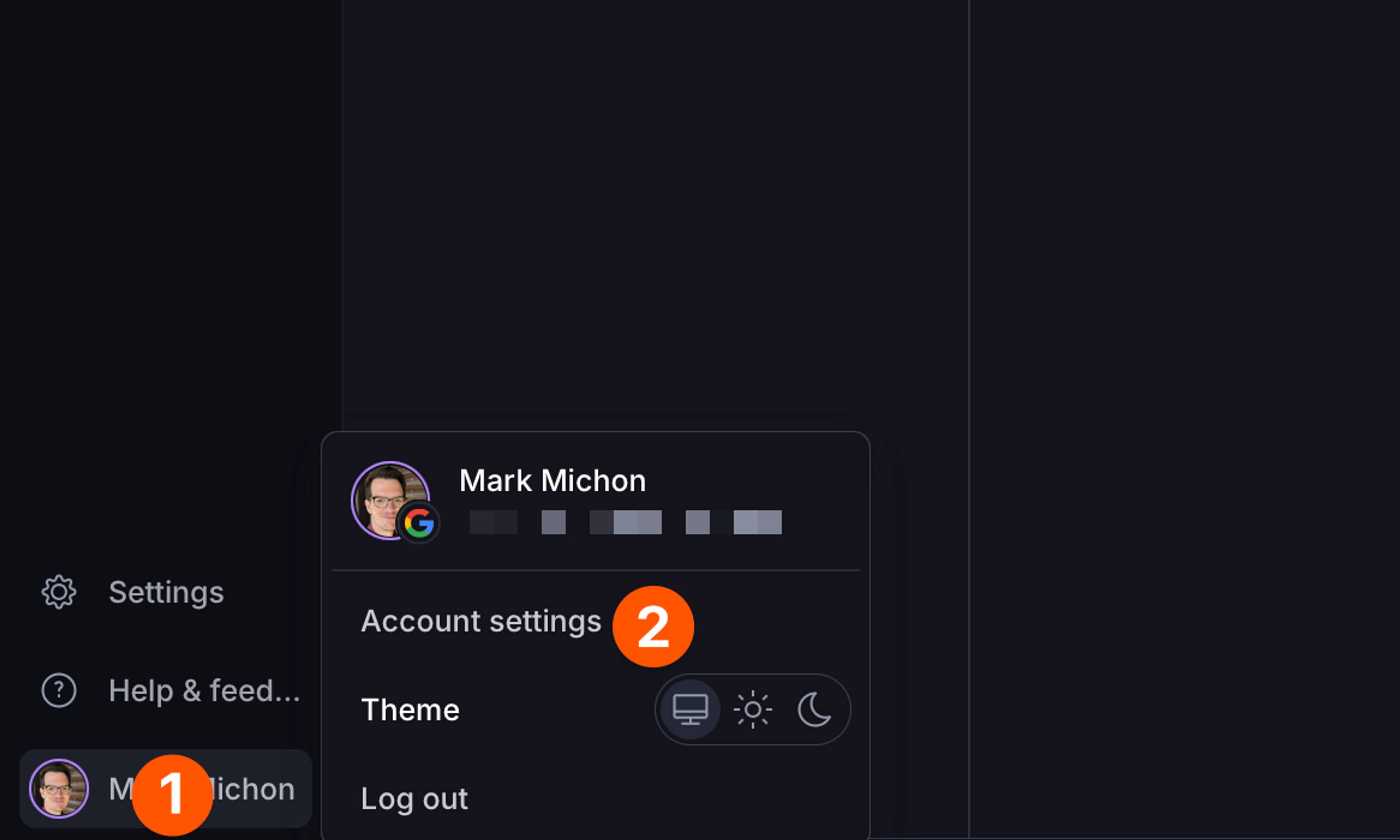
- Select the user avatar to open a popover menu. In the dashboard, this is located in the bottom-left corner. In Manage or standalone studios, this is located in the top-right corner.
- Select Account settings to navigate to the setting page for your user account.
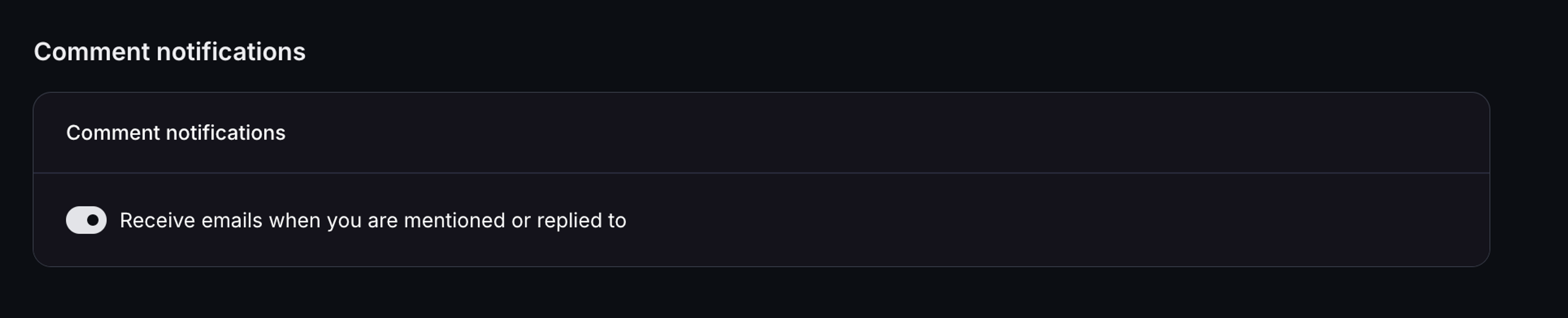
- Once on the settings page, toggle the setting under Comment notifications.
Loading...