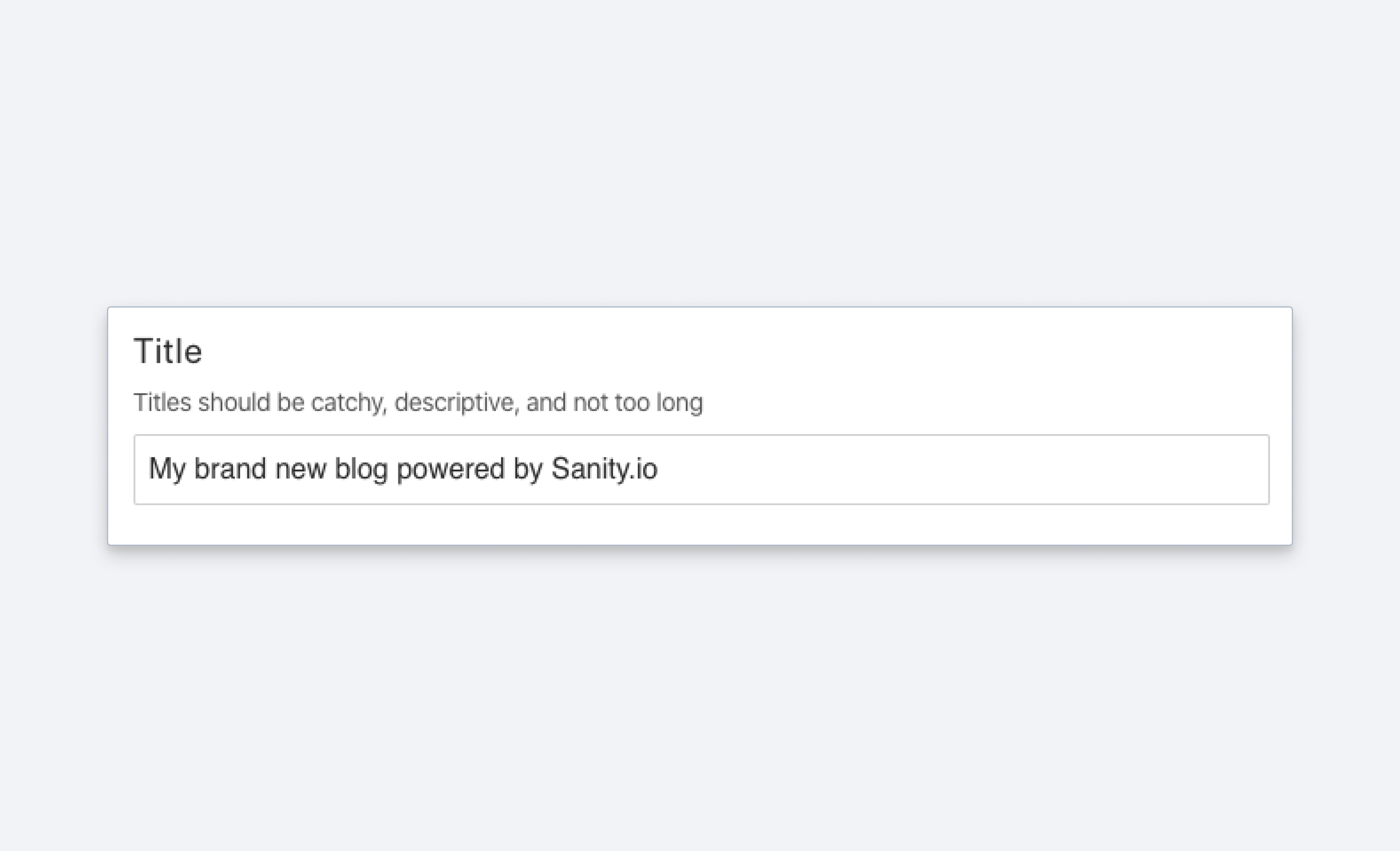
String
A schema type for strings and a selectable lists of strings.
Short string. Typically used for titles, names, and labels. If you need a basic multi-line string input, use the text. If you need text with markup and structured data, use block. See the StringDefinition reference for the full type definition.
Properties
Requiredtype
Required. Value must be set to
string.Requiredname
Required. The field name. This is the key in the data record.
Human-readable label for the field.
If set to
true, the field is hidden in the studio. You can also set it to a callback function to make it a conditional field.If set to
true, the field can't be edited in the studio. You can also set it to a callback function to make it a conditional field.Short description that tells editors how to use the field.
The initial value used when creating new values of this type. Can be a literal value, or a resolver function that returns a literal value or a promise that resolves to one.
Marks a field or document type as deprecated in the studio interface and displays a user-defined message defined by the single required
reasonproperty.If you deploy a GraphQL API schema, this property is translated into the
@deprecateddirective.Supply a custom icon for this field. For more information, see Icons.
Lets you provide custom components to override the studio defaults in various contexts. The available keys are
diff,field,input,item, andpreview.Placeholder text shown in the input when it has no value.
Options (StringOptions)
A list of predefined values that the user can choose from. The array can either include string values
['sci-fi', 'western']or objects[{title: 'Sci-Fi', value: 'sci-fi'}, ...].Sanity Studio displays string values with the first character capitalized and the rest lowercased:
sci-fidisplays asSci-fi, andUSAdisplays asUsa. The stored value doesn't change. To control the displayed label, use object values with atitleinstead.Controls how the items defined in the
listoption are presented. If set to'radio'the list will render radio buttons. If set to'dropdown'you'll get a dropdown menu instead. Default isdropdown.Controls how radio buttons are lined up. Use
direction: 'horizontal|vertical'to render radio buttons in a row or a column. Default isvertical. Will only take effect if thelayoutoption is set toradio.Sets a search weight for this field so that it ranks higher when editors search in the studio. Takes
{weight: number}. The default weight is1, or10if the field is selected as the previewtitleand5if it is selected as thesubtitle. A weight set here overrides both. See Studio search configuration.
Dropdown empty option
When layout: 'dropdown' (the default layout) is used on a field with options.list, the input renders a blank option at the top of the list representing the unset state. Selecting it clears the field's value. This blank option is built into the dropdown input and cannot be removed, renamed, or restyled through schema configuration.
What schema configuration can and cannot change:
- Cannot remove the blank option:
required()validation,initialValue, and none of the availableoptionsfields remove it from the rendered list. - Cannot rename the blank option: its title is hardcoded to an empty string.
- Can switch to
layout: 'radio': radio layout does not include a blank option. Editors can still unset the field with the Clear button, which appears once a value is selected. - Can implement a custom input component: for full control over placeholder text, empty-option behavior, and item rendering.
Workarounds
Use radio layout: switch from layout: 'dropdown' to layout: 'radio' to avoid the blank option entirely:
import {defineField} from 'sanity'

defineField({
  name: 'status',
  type: 'string',
  options: {
    list: ['draft', 'published', 'archived'],
    layout: 'radio',
  },
})
Custom input component for full control: for full control over rendering, including placeholder text and conditional logic, implement a custom input. See Create a visual string selector field input.
Dynamic option lists
The options.list property only accepts a static array of strings or {title, value} objects. It does not accept a function or callback. When you use defineField, TypeScript reports this at compile time. If you need a dynamic list (filtered by another field, fetched at runtime, conditionally shown), implement a custom input component.
Register a custom input on the field, then build the option list inside your component. Use useFormValue to read other fields on the current document, or fetch data through @sanity/client. For an example of the custom input pattern, see Create a visual string selector field input.
import {defineField} from 'sanity'
import {DynamicStatusInput} from './DynamicStatusInput'

defineField({
  name: 'status',
  type: 'string',
  components: {
    input: DynamicStatusInput,
  },
})
Dynamic options.list support is tracked in GitHub issue #4095.
Validation (StringRule)
Ensures that this field exists.
Discards the validation rules set before it in the chain and makes the field optional. Rules chained after it still apply. Requires
sanity5.9.0 or later.Minimum length of string.
Maximum length of string.
Exact length of string.
All characters must be uppercase.
All characters must be lowercase.
Value must be a valid email address.
String must match the given pattern.
optionsis an optional object. You can setoptions.nameandoptions.invert.Providing a
namemakes the message more understandable to the user (Does not match "<name>"-pattern).Set
inverttotrueto allow any value that does not match the pattern.With
invert: true, the message reads Should not match "<name>"-pattern.You can also pass the name as a string:
regex(pattern, name). The three-argument formregex(pattern, name, options)is accepted, but itsoptionsargument is ignored. To useinvert, pass{name, invert}as the second argument.Creates a custom validation rule.
Sets a custom error message for the preceding validation rule.
Sets a custom warning message for the preceding validation rule. Warnings do not prevent publishing.
Sets a custom info message for the preceding validation rule. Info messages are purely informational and do not prevent publishing.
Gets the value of a sibling field to use in validation. Useful for creating validation rules that depend on the value of another field.
Examples
Field configuration
import {defineField} from 'sanity'

defineField({
  title: 'Title',
  name: 'title',
  type: 'string',
  description: 'Make it catchy',
  validation: (Rule) => Rule.max(120).warning(`A title shouldn't be more than 120 characters.`),
})
List of predefined strings
import {defineField} from 'sanity'

defineField({
  title: 'Genre',
  name: 'genre',
  type: 'string',
  options: {
    list: [
      {title: 'Sci-Fi', value: 'sci-fi'},
      {title: 'Western', value: 'western'},
    ], // <-- predefined values
    layout: 'radio', // <-- defaults to 'dropdown'
  },
})
{
"_type": "movie",
"_id": "23407q-qwerqyt12",
"genre": "sci-fi",
...
}Protip
Want to make a multi-select for strings? Check out the Array schema type to see how you can build an array of strings, references, objects, and more.
For details on how to access the title value of a list in your document list preview, see Previewing from predefined string lists.
Set an initial value for string fields
You can use initial values to preset string fields on document creation:
import {defineField, defineType} from 'sanity'

export default defineType({
  name: 'post',
  type: 'document',
  title: 'Post',
  initialValue: {
    title: 'The initial title',
  },
  fields: [
    defineField({
      name: 'title',
      type: 'string',
      title: 'Title',
    }),
  ],
})